Platforms

Clash Bot Platforms

These are the platforms we support right now, each unlocked by the same license key: Windows with BlueStacks or LDPlayer, Google Play Games for PC, a Mac through BlueStacks Air, and an Android phone. Here is what each one can actually do.

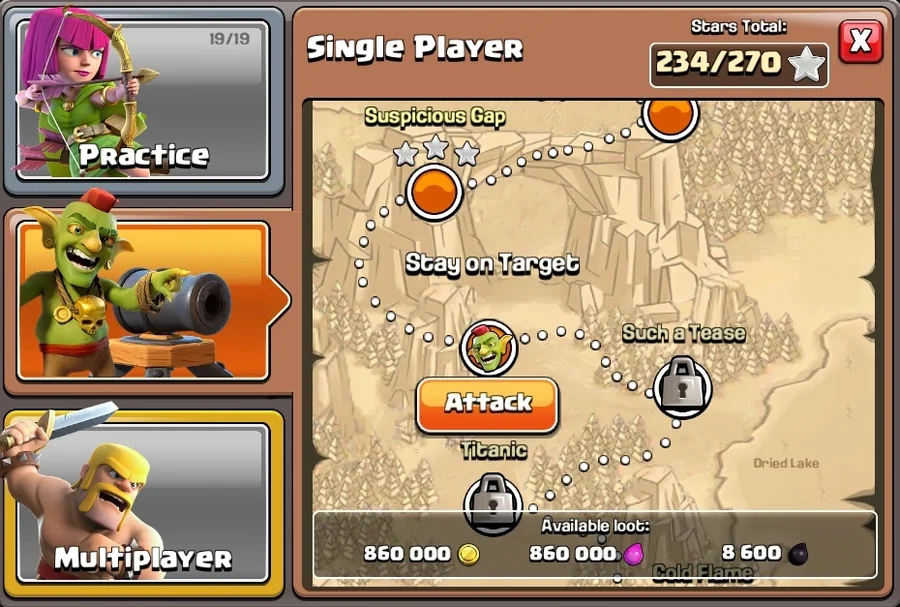
A Clash of Clans raid under way, troops dropped on a base with full collectors

Windows

The full app

It opens the game in BlueStacks or LDPlayer, farms or battles, and keeps going on its own.

Clash of Clans: Farm, Trophy push, Builder Base and Clan Games. Clash Royale: Trophy Road, Ranked and 2v2.

Up to 4 villages or accounts at once on a Lifetime key, each with its own weekly schedule.
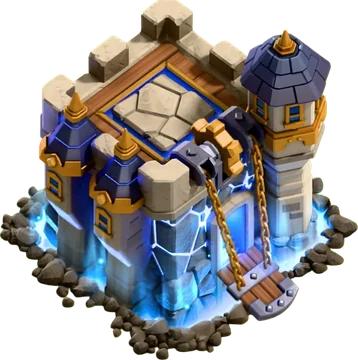
A Clash of Clans Town Hall

Google Play Games for PC

Through the Windows app

Supercell's own PC route works too: Google Play Games runs the game, the same app and the same key drive it.

Windows only, because Google Play Games for PC has no Mac build.

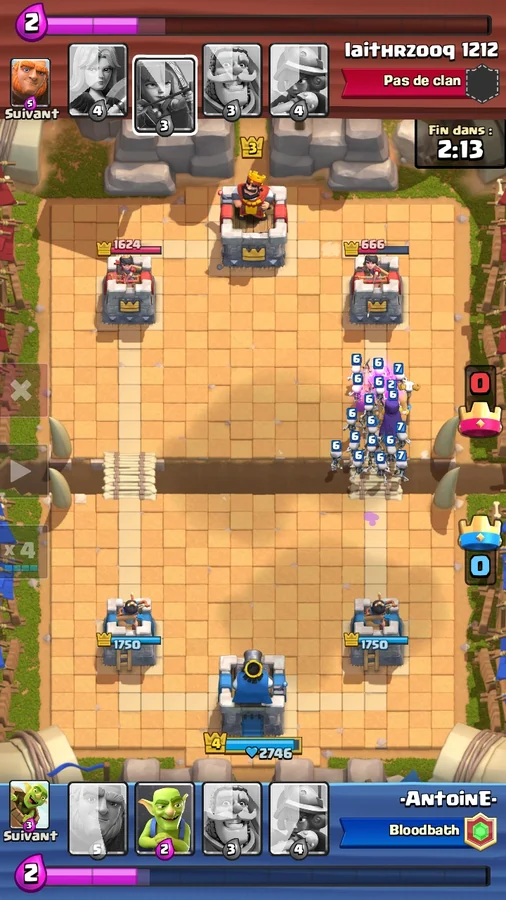
A Clash Royale battle with both King Towers in view

Mac

Through BlueStacks Air

BlueStacks Air runs both games on Apple silicon, and ATLAS drives it on the same key.

Same modes, same schedule, same Discord reports as on Windows.

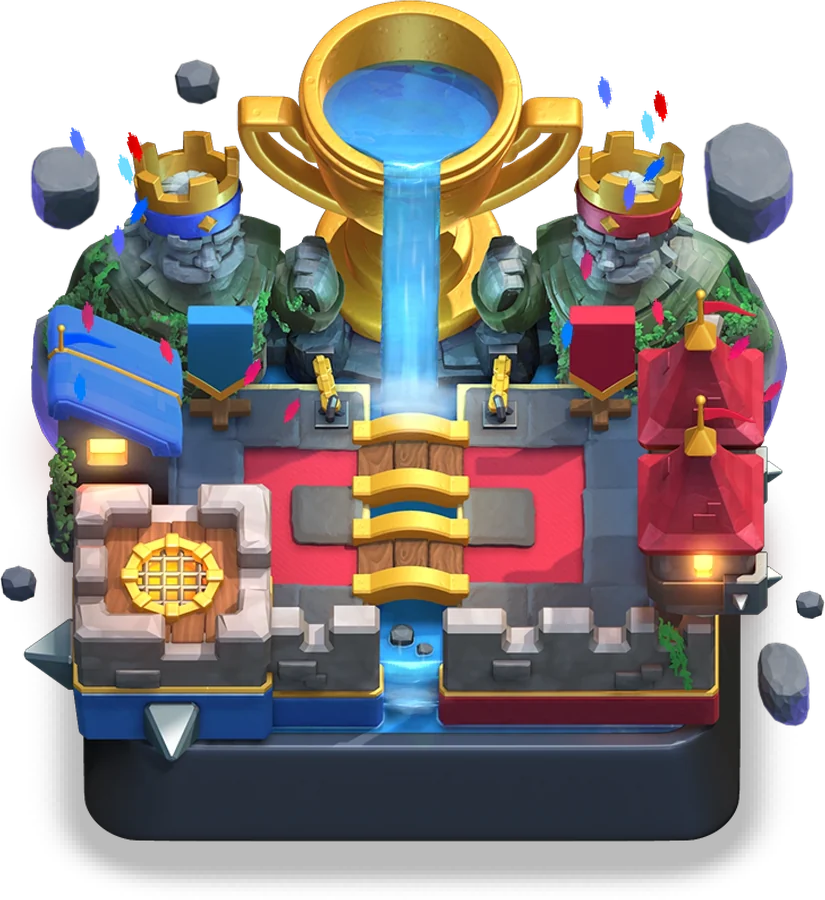
A Clash Royale arena

Android

No PC needed

The bot runs on the phone itself, unlocked with the key you already have.

Start it, lock the screen and let it farm. The panel shows what it is doing and a panic stop kills it at once.

Which one is for you?

Let it farm for you

The Windows app runs up to four villages in BlueStacks or LDPlayer and keeps collecting while you are away.

See the plans

On a Mac

BlueStacks Air runs both games on Apple silicon, with the same app and the same key.

See the plans

No PC at all

The Android build runs the bot on the phone and reports to Discord while you do something else.

Install on your phone